Backup restores and data recovery jobs can produce huge, ugly folders full of images, documents, archives, executables, APK decompile outputs, and repeated copies. The mistake is trying to delete duplicates while everything is still mixed together.
Step 1: Make a safe working copy
Before cleaning recovered data, keep the original recovery output untouched. Work from a copy or a separate folder so you can start over if the cleanup path is wrong.
Step 2: Use File Type Sorter before duplicate cleanup
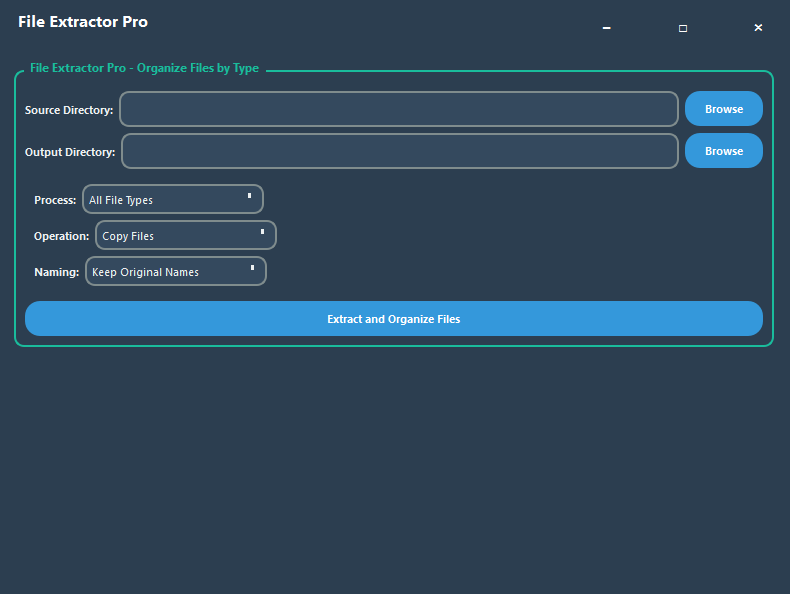
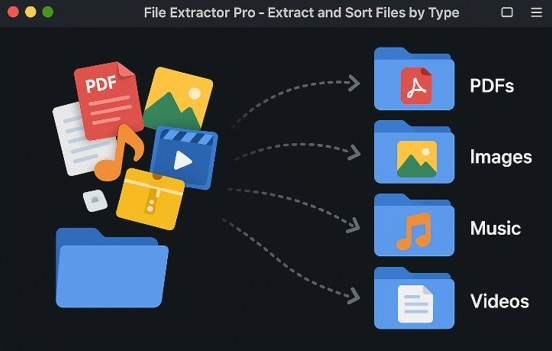
DupeSweep Pro includes a File Type Sorter that can move or copy files into type-based folders. That is useful for data recovery, unpacked archives, APK decompiles, and any folder where file names are messy but extensions still matter.
Copy into a clean output folder, or move files when you are sure.
Separate images, archives, documents, apps, videos, and odd files.
After sorting, run the duplicate finder on high-value folders.
Step 3: Export results for review
Exporting duplicate results helps when the cleanup is for a client, a family member, or a large personal archive. It creates a reviewable trail before files are removed.
Step 4: Use Rescue Center for destructive cleanup
When bulk deleting, safety matters more than speed. DupeSweep Pro's Rescue Center backs up deleted files and can restore them back to their original location.
Good folders to scan after recovery
Start with sorted images, documents, archives, APK resources, audio, and video. Exclude low-value temp files if they are not worth reviewing.